Data Export
-
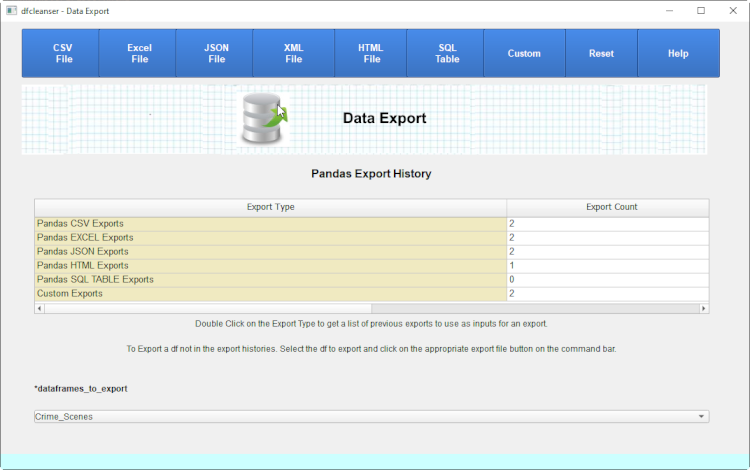
Data Export is defined to provide exporting of dataframes to an external destination.
-
Pandas Dataframe
-
CSV File
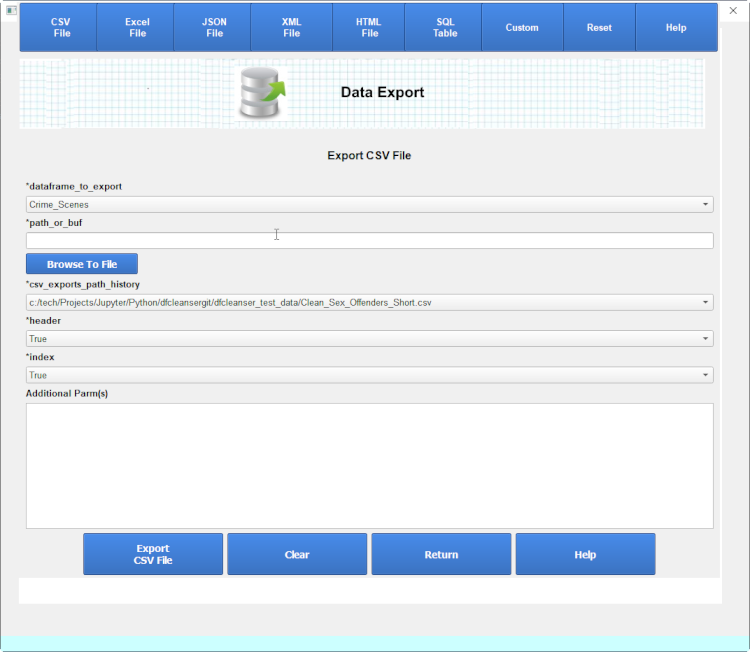
Pandas supports exporting csv files via the pandas to_csv call.
Initial export forms show the export parameters from previously exported dfs in the export history.
If no previous export in the export history the a set of the most common parms is displayed.
To get a full list of parameters to enter for an export click on the 'Show All Parameters' button.
-
Excel File
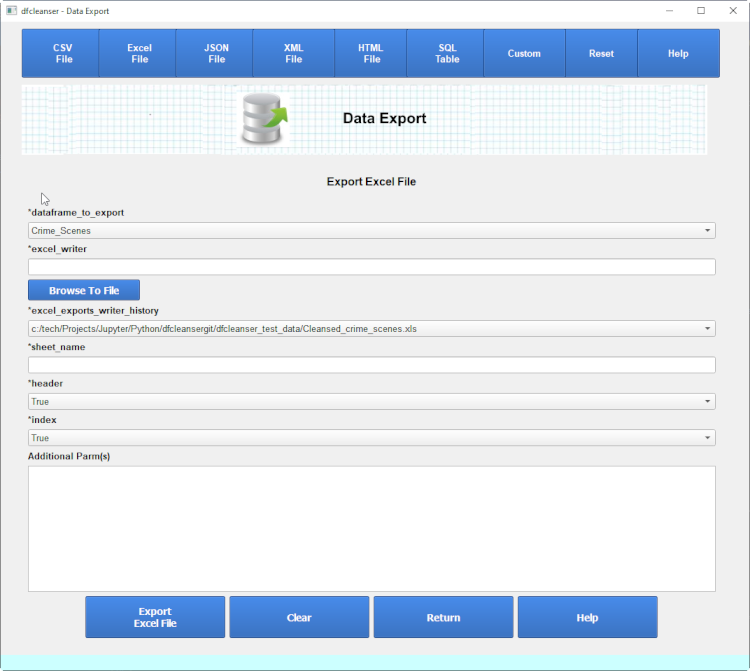
Pandas supports importing excel files via the pandas.to_excel() method. Click for details on the to_excel call.
-
JSON File
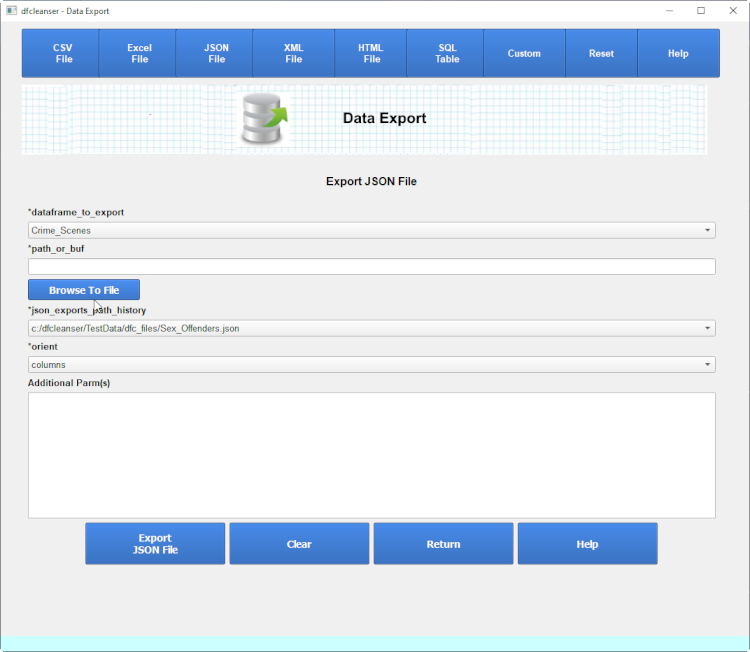
Pandas supports importing json files via the pandas.to_json() method. Click for details on the to_json call.
-
HTML File
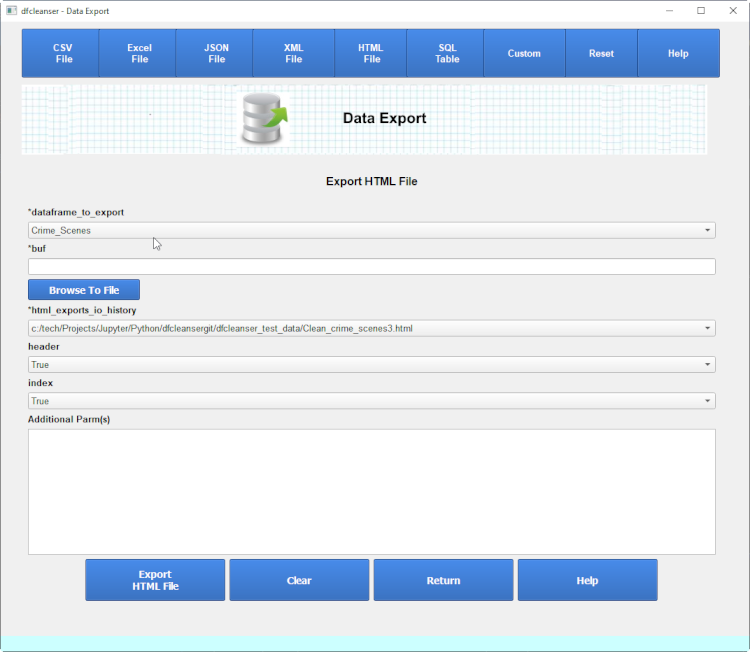
Pandas supports importing html files via the pandas.to_html() method. Click for details on the to_html call.
-
SQL
Pandas sql support allows for the importing of data from a sql database into a pandas dataframe.
The dataframe cleanser import automates connection to a common set of databases and corresponding python libs.
You must initially define the database, python lib and the connection parms.
SQL Libs
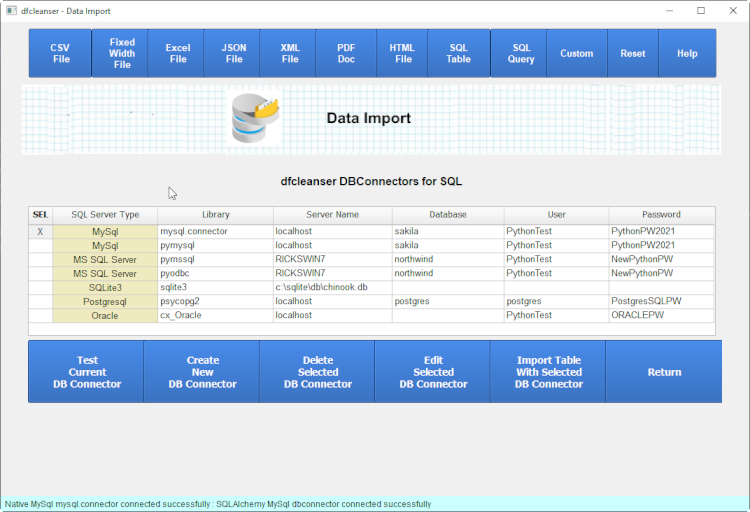
You can select which database and lib to connect to and then enter the appropriate connection parms.
The pandas import sql makes use of both a native and sqlalchemy connector libraries. The native library provides python connect functionality and the SQLAlchemy library provides a wrapper around the native library. Both are essential to using the pandas sql import functionality.
To get detailed info on the native libraries click on one of the following :
To get detailed info on the SQLAlchemy libraries click on one of the following :
SQL Connections
You can select the database and driver to use via selecting the driver from the db_connector table.
Test SQL Connections
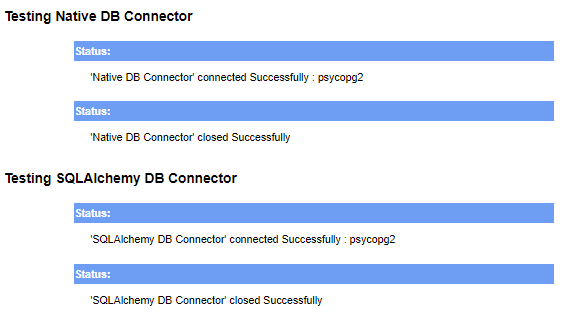
Once you select the database and driver to use you can test the connectors and drivers by clicking on the 'Test SQL Connector' button.
SQL Table
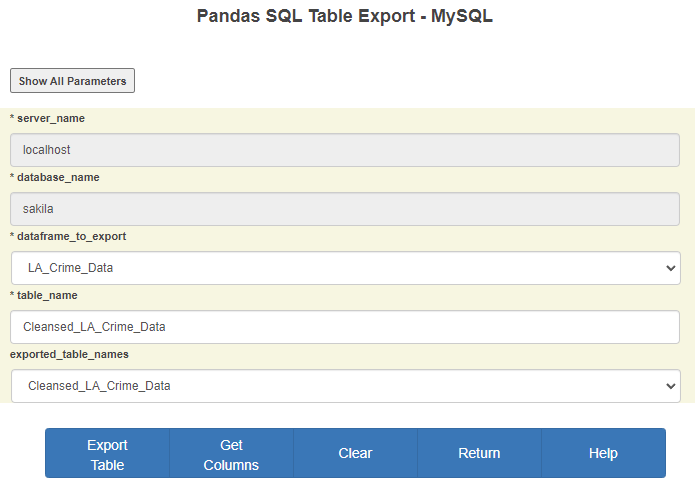
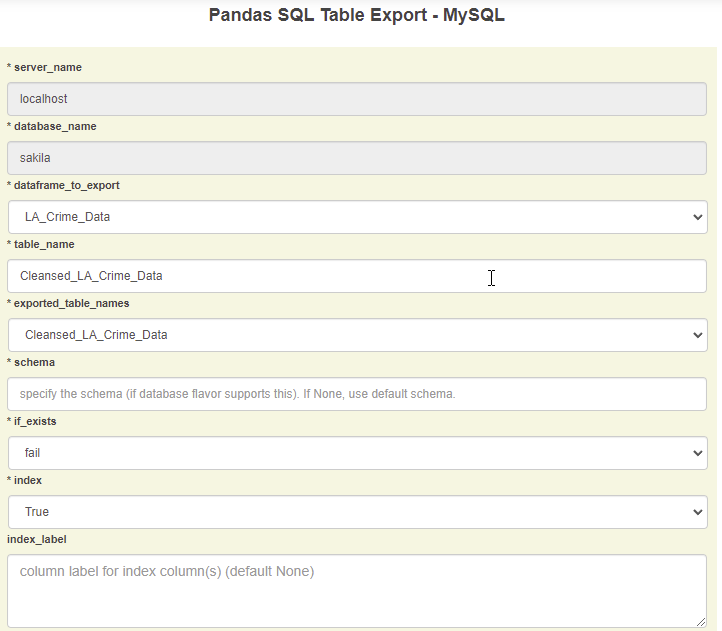
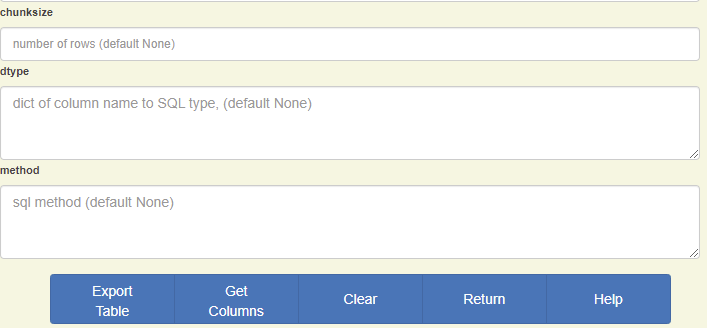
Pandas sql table support allows for the exporting of data directly from a pandas dataframe to a sql table.
Pandas supports exporting to a sql database via the to_sql call.
Please refer to the CSV Export section to understand how the export parms are defined and displayed.
SQL Table Export
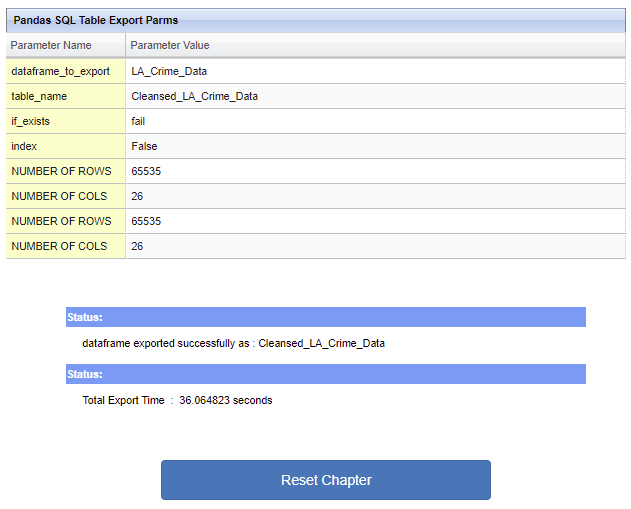
SQL Table Export Status
If the export is successful then the export status page listed below is displayed.
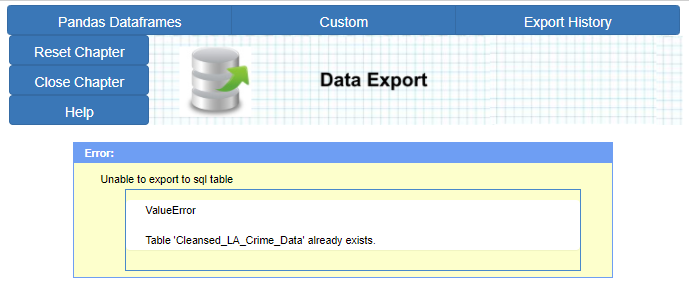
SQL Table Export Error
If an error occurs while exporting a detailed message is displayed for the user to resolve.
Refer to the to_sql manual page.
-
Custom Export
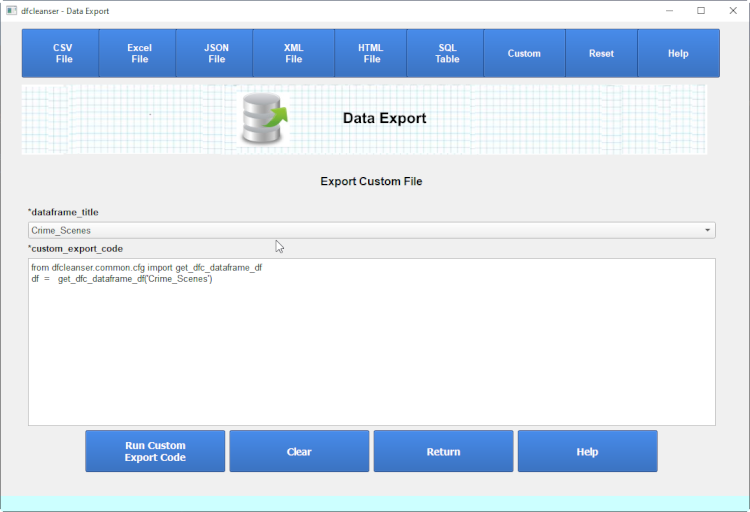
dfc provides a generic way to export a dataframe to an external source.
If you are unable to export a dataframe using the other built in methods use this option.
Export History
-
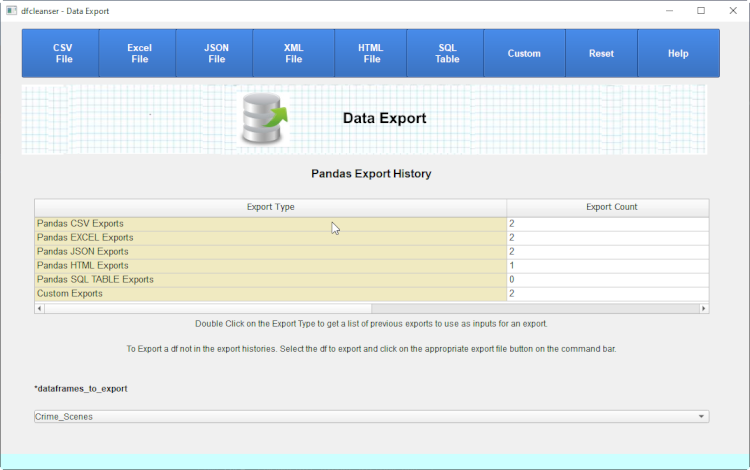
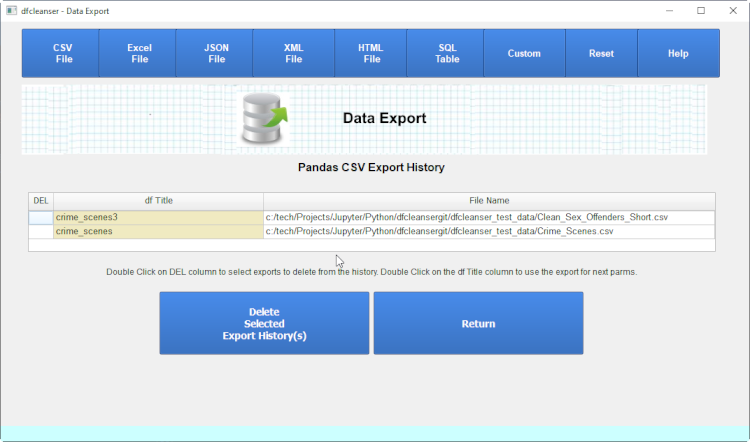
Export History allows the user to review what files were previously exported.
-
-
-
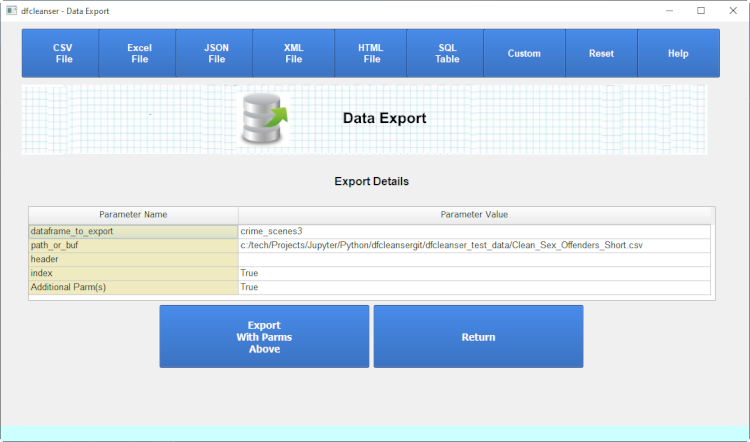
Export Type History
Export Status